

Introduction
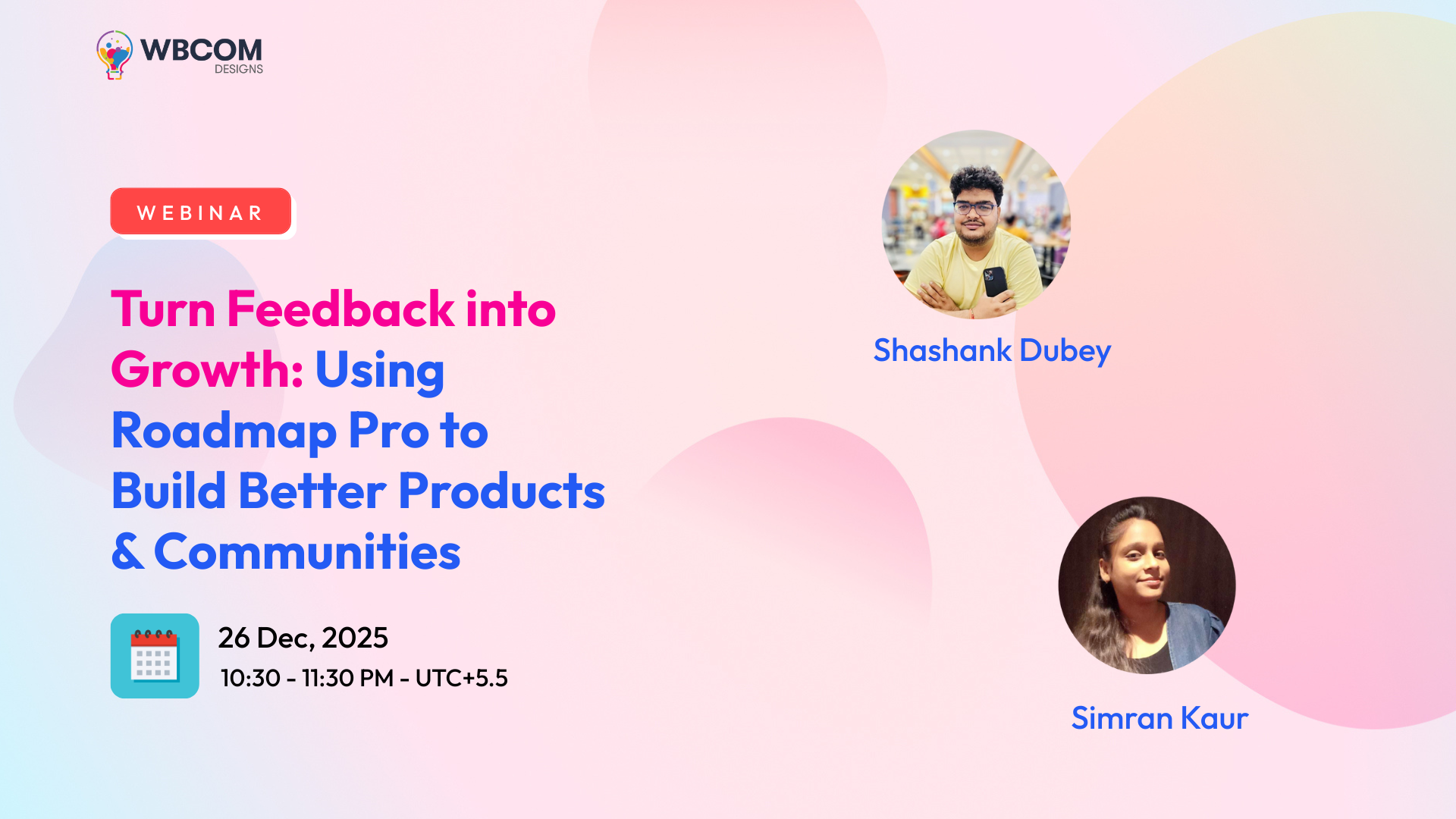
Join us to discover how Wbcom Designs Roadmap & Roadmap Pro helps you collect user ideas, manage feature requests, prioritize development, and maintain transparency — all inside WordPress.
Who This Is For
- Community & Membership Site Owners
- SaaS / Product Teams
- Plugin & Theme Developers
- BuddyBoss / BuddyPress Admins
Why Use Roadmap
- Build trust with transparent updates
- Make data-driven development decisions
- Centralize feedback in one place
- Boost engagement and community participation
Core Features
- Frontend idea submission
- Voting & prioritization
- Status labels (Planned, In Progress, Completed, Archived)
- Role-based permissions
- Admin moderation panel
- Multiple roadmaps support (Pro)
Setup & Integration
- Install & activate like any WordPress plugin
- Works with WordPress, BuddyPress, and BuddyBoss
- Roadmaps can be displayed using shortcodes or dedicated pages
Use Cases
- Feature requests & product enhancements
- Community feedback collection
- Release planning & communication
- Transparent development roadmap
Customization & Settings
- Control who can submit or vote
- Approve or auto-publish ideas
- Show or restrict roadmap visibility
- Manage all ideas from a central dashboard
Q&A + Demo
We’ll show:
- Submitting a request
- Voting & organizing ideas
- Updating roadmap status
Try It Yourself
Here are the products discussed in this webinar:
- Product Roadmap (Free Version)
https://wbcomdesigns.com/downloads/product-roadmap/ - Product Roadmap Pro (Advanced Version)
https://wbcomdesigns.com/downloads/product-roadmap-pro/